

Smartphone service on the AT, PCT, and JMT: The 2026 hiker’s guide to connectivity

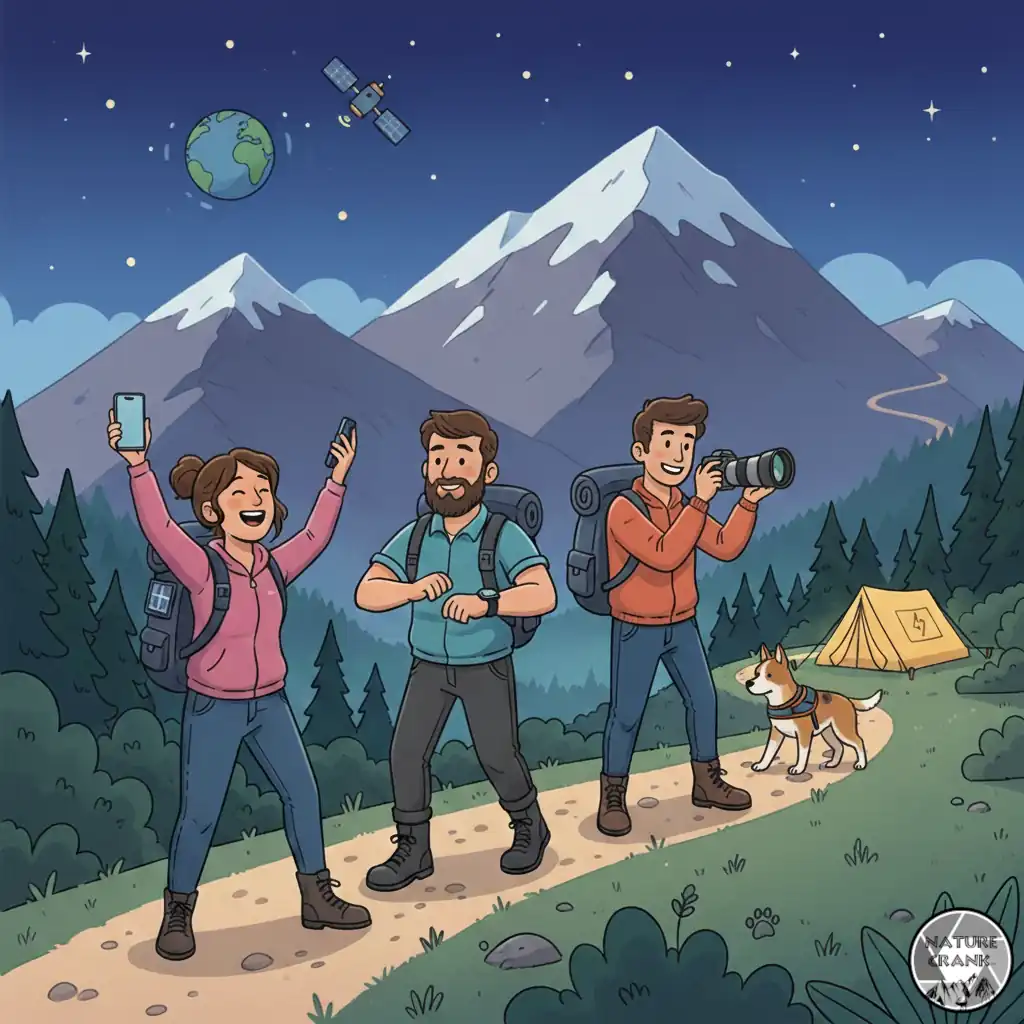
In 2026, a smartphone is the most versatile piece of “ultralight” gear in your pack. It has effectively replaced standalone GPS units, paper maps, heavy guidebooks, and dedicated cameras. However, performance on the Triple Crown trails—the Appalachian Trail (AT), Pacific Crest Trail (PCT), and Continental Divide Trail (CDT)—now depends more on your device’s satellite capabilities than just local cell towers.
This guide explores the evolving landscape of off-grid communication, helping you stay safe and connected while navigating the most remote sections of the American wilderness.
Carrier performance by trail: Verizon, AT&T, and T-Mobile
The “Big Three” carriers have shifted their focus toward integrated satellite coverage to fill terrestrial gaps. Here is how they stack up on the major trails.
You could also check out US Mobile, which I’ve used for about three years now. They allow you to swap carriers and are typically cheaper overall than the three major carriers. I’ve only had service problems near Salt Lake City. You can use my US Mobile referral (click the link or enter code: E1472B0B). You usually get a free month trial.
Appalachian Trail (AT)
- Best carrier: Verizon remains the leader for terrestrial signals at shelters and road crossings.
- Regional notes: AT&T offers superior coverage in the Northeast (Vermont and Maine). T-Mobile has improved significantly in the Southern Highlands by utilizing Starlink direct-to-cell technology to cover previous dead zones in the Smokies.
Pacific Crest Trail (PCT)
- Best carrier: T-Mobile (for satellite texting) or Verizon (for ridge-top terrestrial signals).
- Regional notes: Southern California offers decent signal on high ridges, but the High Sierra remains a terrestrial dead zone. For 2026 hikers, a phone with satellite messaging is mandatory for the Sierra stretch.
John Muir Trail (JMT)
- Best carrier: None (for terrestrial service).
- Regional notes: You will find almost zero traditional cell service between Yosemite Valley and Mount Whitney. Connectivity on the JMT now relies entirely on direct-to-cell satellite features found in the iPhone 14-17 and the latest Android flagship devices.
The 2026 satellite revolution: Direct-to-cell for iPhone and Android
The “dead zone” is effectively a thing of the past. If you are carrying a flagship phone released between 2023 and 2026, you likely have a built-in satellite transceiver.
Important: Understanding the limitations of satellite connectivity
While smartphone technology has drastically reduced “dead zones,” satellite communication is not as robust as traditional cellular service. It relies on a delicate line-of-sight connection between your handheld device and a satellite orbiting hundreds of miles above the Earth.
Before relying on your phone for backcountry safety, understand these critical limitations:
- Sky visibility and canopy cover: Satellite signals are “weak” compared to LTE or 5G. Dense, wet tree canopy (common on the Appalachian Trail) or deep granite canyons (common on the JMT) can block or significantly delay messages. You may need to move to a clearing or higher ground to establish a connection.
- Weather interference: Heavy rain, thick cloud cover, and snowstorms can degrade signal quality. In severe weather—precisely when you might need help most—satellite handshakes may take 10–15 minutes or fail entirely.
- Device orientation: Unlike a cell signal, which your phone finds automatically in your pocket, satellite SOS often requires you to physically point your phone at a specific satellite. Follow your device’s on-screen “connection assistant” closely.
- Latency (delay): Even in perfect conditions, satellite messages are not instantaneous. Expect a delay of 15 seconds to several minutes for a single text to transmit. Satellite voice calls on supported devices (like the S26) may have a noticeable “lag” that requires patience during a crisis.
- Battery drain: Your phone’s radio works significantly harder to “talk” to a satellite than a nearby cell tower. Using satellite features in cold weather or with low battery can lead to an unexpected shutdown.
The hiker’s golden rule: Never venture into the wilderness with a smartphone as your only safety plan. Always leave a detailed itinerary with a “trail contact” at home and carry a backup method of signaling (such as a whistle or signal mirror) for absolute emergencies.
Apple iPhone (14 through 17)
Apple’s Emergency SOS via Satellite and Find My via Satellite are now standard. In 2026, iMessage via satellite allows for non-emergency texting to friends and family, making it easier to coordinate resupplies from the middle of the woods.
Android satellite connectivity (Pixel and Samsung)
Android has caught up to (and in some cases, surpassed) Apple in satellite integration:
- Google Pixel (9 and 10): Features Satellite SOS and real-time location sharing via Google Maps.
- Samsung Galaxy S26: The newest flagship supports satellite voice calling in specific regions, a breakthrough for 2026 that allows for actual emergency calls where only text was previously possible.
- T-Mobile + Starlink: Most 5G Android phones on T-Mobile now connect directly to T-Satellite, providing seamless texting even without a specialized “satellite phone.”
2026 smartphone satellite capability comparison
| Feature | Apple iPhone (14-17) | Google Pixel (9-10) | Samsung Galaxy S26 |
| Satellite SOS | Yes | Yes | Yes |
| Satellite Texting | iMessage & SMS | Yes (Google Messages) | Yes |
| Satellite Voice | No | No | Yes (Regional) |
| Location Sharing | Yes (Find My) | Yes (Google Maps) | Yes (SmartThings) |
| Network | Globalstar | Skylo / Garmin | T-Mobile/Starlink |
Essential battery conservation strategies for the backcountry
A satellite-enabled phone is only a safety tool if it has power. Battery management is the most critical skill for a modern thru-hiker.
- Strict airplane mode: Even with satellite service, searching for a weak terrestrial signal is the fastest way to drain your battery. Keep Airplane Mode “On” and only toggle on GPS as needed.
- Utilize dark mode: Most modern smartphones use OLED screens. Dark mode saves significant power by physically turning off black pixels.
- Manage temperatures: Lithium-ion batteries fail in the cold. In the High Sierra or White Mountains, sleep with your phone inside your sleeping bag to prevent “cold-draining.”
- Offline data: Download all maps (FarOut, Gaia GPS) and music before leaving town. Streaming data on the trail will kill your battery in minutes.
Must-have navigation and safety apps
- FarOut (formerly Guthook): Still the gold standard for the AT, PCT, and JMT. It uses your phone’s internal GPS to show your exact location on a highly detailed offline map.
- Gaia GPS: The best tool for finding alternate routes or navigating “off-trail” sections.
- Zoleo or Garmin Messenger: While 2026 smartphones are powerful, many hikers still carry a dedicated satellite messenger for its superior battery life and more rugged SOS button.
Pro tips for backcountry power management
- Prioritize Input Wattage: On a thru-hike, your “time-in-town” is limited. A power bank that supports 30W+ input (like the Anker Nano or INIU P50) can recharge in under 1.5 hours, whereas older 18W models may take 3.5+ hours.
- The Pass-Through Advantage: Models like the Zendure SuperMini allow you to charge the power bank and your phone simultaneously from a single wall outlet. This is a lifesaver in crowded trail-town hostels where outlets are scarce.
- Cable Weight Matters: If you choose a model with a built-in cable (like the Anker Nano), you save the ~0.5 oz weight of a separate cord and eliminate the risk of losing it.
- Cold Weather Care: Carbon fiber models (Nitecore/Klarus) handle structural stress well, but the internal lithium cells still hate the cold. Keep your battery in an internal jacket pocket or your sleeping bag when temps drop below 40°F (4°C).
Frequently asked questions (FAQs)
Where did you find the most surprising ‘Dead Zone’ or ‘Hot Spot’? Even with the 2026 satellite revolution, we all know that one specific shelter or ridge where the signal just vanishes—or that random valley where you surprisingly get four bars of 5G.
Help your fellow hikers out! Drop a comment below with your trail and carrier (e.g., ‘AT North Carolina on Verizon’). Where was the last place you successfully sent a text before hitting a dead zone?
Discover more from The Wild Rx aka NatureCrank™
Subscribe to get the latest posts sent to your email.